E-Signing PDFs Without a SaaS Subscription: What You Actually Need
Most people don't need a monthly e-signature subscription. Learn when DocuSign and HelloSign earn their price — and when a free sign-PDF tool is enough.
Published: 4 Juli 2026
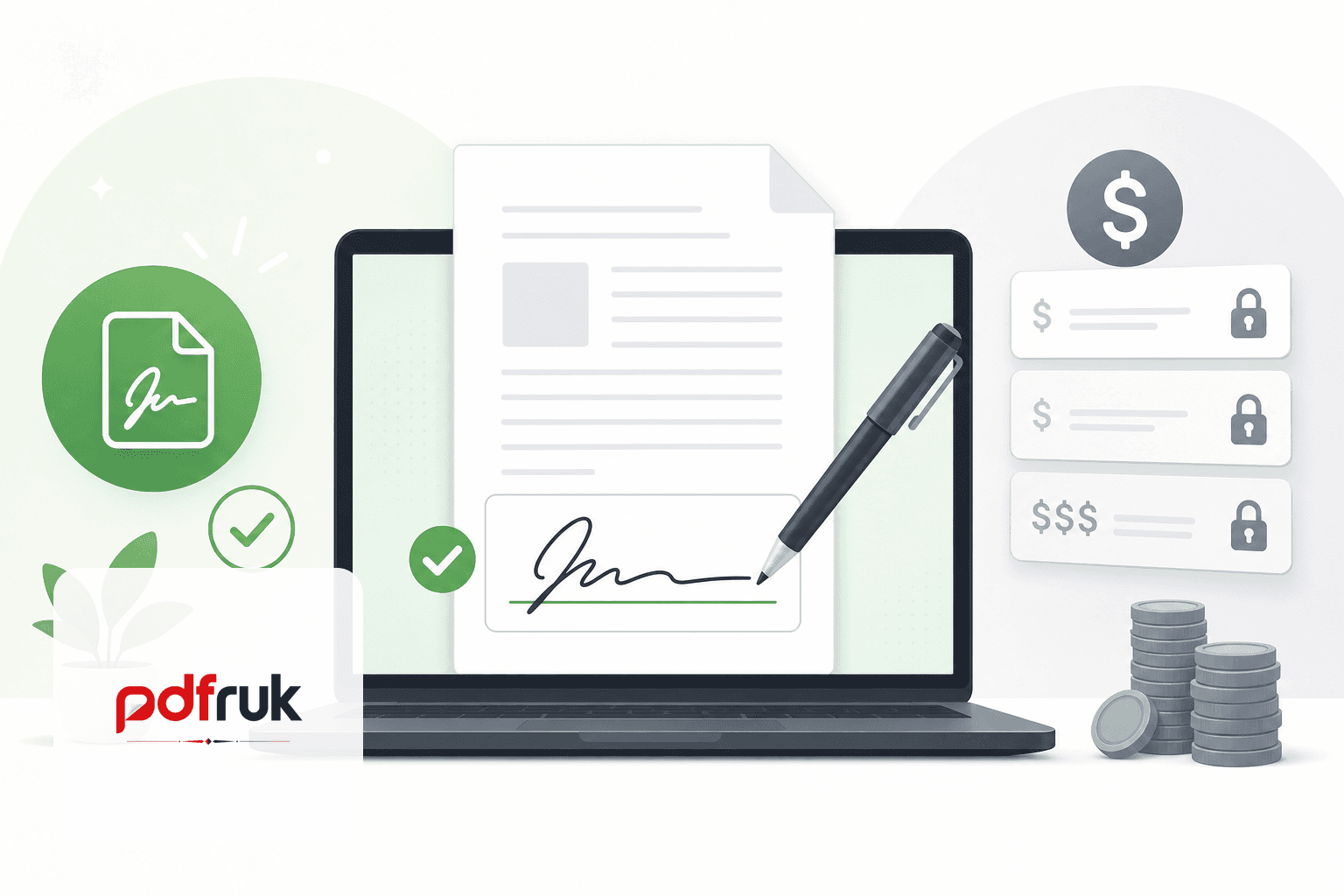
If you have ever searched "DocuSign alternative" or "HelloSign vs DocuSign," you already know the drill: two established e-signature platforms, a handful of pricing tiers, and a nagging feeling that you are about to pay a monthly fee to do something that used to just mean picking up a pen.
Here is the honest version: most people do not need either one. Before comparing tools, ask yourself one thing — do you need to send a document to someone else to sign, or do you just need to sign a document yourself? That single question determines whether a free sign PDF tool is enough or whether a paid workflow platform earns its keep.
What DocuSign and HelloSign are actually selling you
DocuSign and HelloSign (rebranded as Dropbox Sign) are not really selling "the ability to sign a PDF." They are selling workflow infrastructure — sending documents to multiple people, tracking who has opened and signed what, reminding stragglers, storing an audit trail, and plugging into tools like Salesforce or Google Workspace.
That is genuinely useful if you are a sales team pushing dozens of contracts a week, or a real estate office managing dozens of signers on a tight timeline. But both platforms price themselves around that assumption — monthly per-user fees, envelope or document caps on the cheaper tiers, and upsells for templates, branding, or bulk sending. If you are an individual signing a lease, a freelancer sending an NDA, or a small business owner handling the occasional contract, you end up paying for infrastructure you will never touch.
The question that actually matters
Before comparing tools, ask yourself one thing: do you need to send a document to someone else to sign, or do you just need to sign a document yourself?
- Signing something yourself — a lease, a form, an agreement someone emailed you — you do not need a subscription at all. You need a way to place a signature on a PDF and send it back.
- Collecting signatures from multiple people on a recurring basis — this is where paid platforms start to earn their keep, mainly for the tracking and reminder features, not the signature itself.
Most individuals and small businesses fall into the first bucket far more often than they think.
Three ways to add a signature to a PDF
Whether you use a paid platform or a free tool like pdfruk's sign PDF tool, you are really choosing between the same three signature types under the hood:
1. Drawn signature
You use your mouse, trackpad, or finger (on a touchscreen) to draw your signature directly onto the page. This is the closest thing to a "real" signature and tends to look the most natural, though it can be a little rough if you are using a mouse rather than a stylus.
Best for: contracts and documents where you want the signature to visually resemble your handwritten one.
2. Typed signature
You type your name, and the tool renders it in a script-style font. It is fast and consistent every time, which some people prefer for professional documents like invoices or acknowledgment forms.
Best for: high-volume, low-formality signing — think signing off on internal documents or forms where legibility matters more than authenticity of style.
3. Uploaded signature
You upload an image of your actual signature (scanned or photographed) and place it on the page. This gives you the exact signature you would use on paper, reused digitally.
Best for: anyone who already has a scanned signature on file, or wants the same signature to appear identically across multiple documents.
All three are generally treated the same way under e-signature law in most jurisdictions — what matters legally is not how the signature looks, but whether both parties intended it as a signature and there is a reasonable record of that intent (this is the basic idea behind the US ESIGN Act and similar laws elsewhere, like eIDAS in the EU). Neither DocuSign nor a free tool changes that underlying legal principle — the fancy audit trails just make it easier to prove intent later if a signature is ever disputed.
When you actually do need a paid platform
To be fair to DocuSign and HelloSign, there are real reasons to pay:
- You are sending documents to several signers on a routing sequence (Person A signs, then it auto-forwards to Person B).
- You need a built-in audit trail with timestamps and IP logging for compliance-heavy industries.
- You are sending a high volume of documents every month and reminders/tracking save real admin time.
- You need integrations with tools like Salesforce, HubSpot, or an internal CRM.
If none of that applies to you, a free signing tool does the exact same core job — placing a valid, intentional signature on a document — without a monthly bill.
How to sign a PDF for free with pdfruk
pdfruk's sign PDF tool runs entirely in your browser. Your document stays on your device — nothing uploads to our servers during signing. There is no account, no watermark on your output, and no envelope limit.
- Open the sign PDF tool on pdfruk.
- Upload the PDF you need to sign, or drag and drop it into the page.
- Choose drawn, typed, or uploaded signature — draw with your mouse or stylus, type your name, or upload a signature image you already have.
- Drag the signature to the correct position on the page. Add additional signatures or initials if the document requires them.
- Download the signed PDF and send it back by email or portal.
For documents that need a small text fix before signing — a date field, a corrected clause — use edit PDF first, then sign. If you need to combine a signed page with other files, merge PDF keeps everything in one download.
Privacy matters when signing contracts
Leases, NDAs, and employment agreements contain personal and financial data. Uploading them to an unknown cloud signing service means trusting that vendor's retention policy, security practices, and jurisdiction. Browser-based signing sidesteps that entirely — the file never leaves your device during the signing process.
For a deeper look at why local processing matters, see why browser PDF tools are safer for confidential documents. Freelancers handling client contracts may also find our free PDF editor guide for freelancers useful for building a complete zero-cost workflow.
DocuSign vs HelloSign vs free signing — quick comparison
- DocuSign / HelloSign: multi-signer routing, audit trails, CRM integrations, templates — priced per user or per envelope.
- pdfruk sign PDF: self-signing with drawn, typed, or uploaded signatures — free, no account, no upload, no watermark.
- Desktop PDF apps: offline signing if you already own Acrobat or similar — but often require a paid licence for editing and signing features.
If your workflow is "receive PDF, sign it, send it back," the free option is not a compromise — it is the right tool for the job.