Best Free PDF Editor for Freelancers (2026)
Merge proposals, sign NDAs, watermark deliverables, and protect client files — without subscriptions, sign-up walls, or branded watermarks on your output.
Published: 1 July 2026
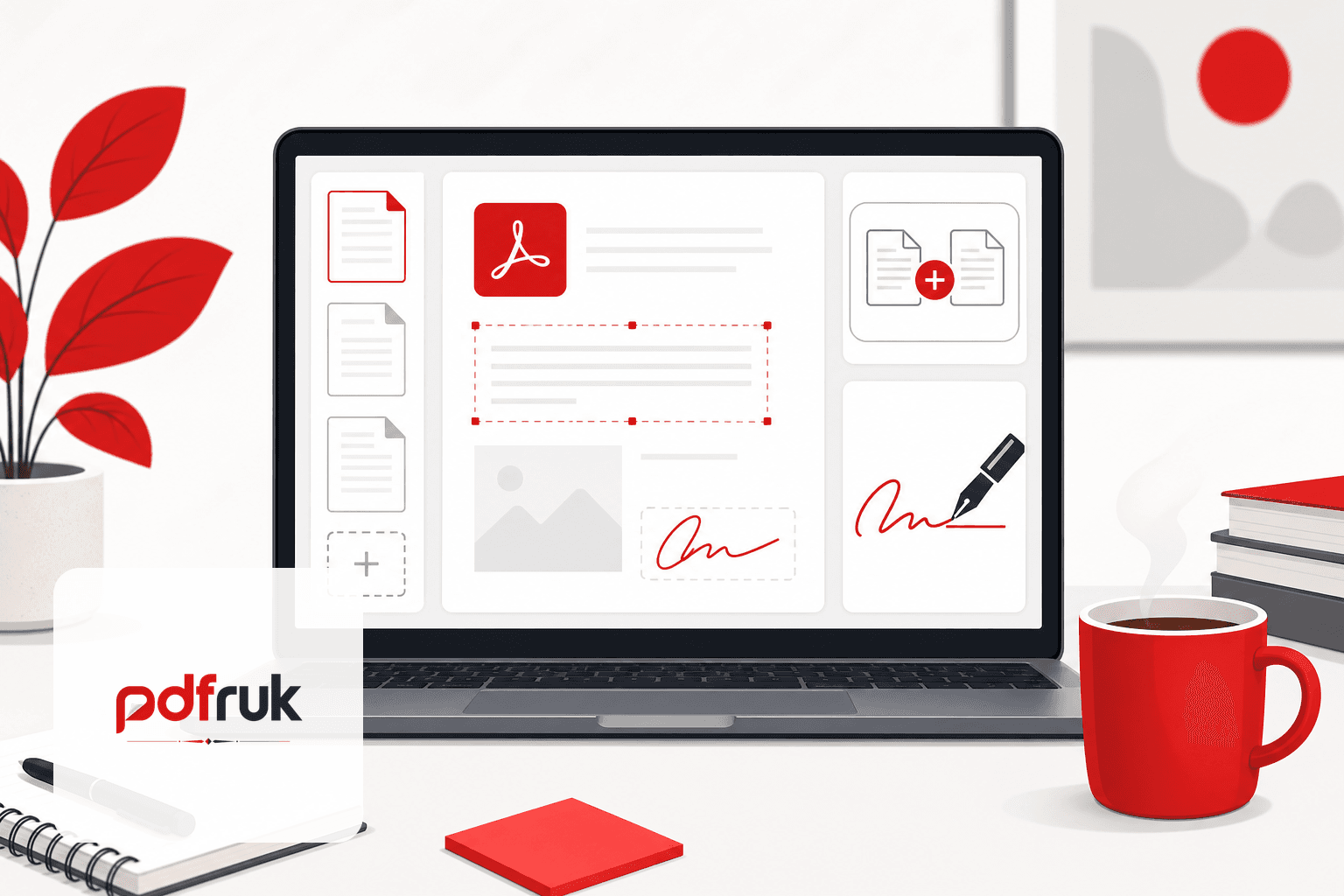
Short answer: the best free PDF setup for freelancers in 2026 combines real editing (text, pages, signatures) with no watermarks, no forced sign-up, and processing that stays in your browser when you are handling client contracts, invoices, or deliverables. pdfruk covers merge, split, edit, sign, watermark, protect, and convert tasks without charging for basics or stamping your work with branding.
Freelancers live in PDFs — proposals, SOWs, timesheets, exported portfolios, and tax forms. This guide compares what you actually need from a free editor, where most "free" tools catch you out, and how to build a zero-cost workflow that does not sacrifice client confidentiality.
What freelancers actually need from a PDF editor
You rarely need a full Acrobat subscription for day-to-day work. A practical freelance toolkit looks like this:
- Combine files: attach portfolio samples to a proposal (merge).
- Extract or reorder pages: send only the relevant scope pages (split, delete & reorder).
- Light editing: fix a typo on a signed contract before countersigning (edit PDF).
- Sign and return: add a signature to an NDA or statement of work (sign PDF).
- Brand deliverables: add a subtle footer or "CONFIDENTIAL" mark (watermark, page numbers).
- Protect client work: lock a draft before sending (protect).
- Convert assets: turn JPG exports into a single PDF (JPG to PDF).
- Shrink email attachments: when a mailbox rejects your file (compress — note this may use a server; see security).
If a tool does all of that but adds a watermark on export, it is not freelance-ready — clients will notice, and it looks unprofessional.
Where "free" PDF editors fail freelancers
Search results in 2026 are still dominated by freemium traps:
- Watermarks on output until you subscribe — unusable for client-facing deliverables.
- Daily page or file limits that break during month-end invoicing.
- Account walls that tie your document history to an email you would rather not give a random SaaS vendor.
- Cloud-only processing that uploads client contracts to jurisdictions you never agreed to in your own client DPA.
- AI upsells that send full documents to model providers for "summarise this contract" features.
As an independent contractor, you are often the data controller for client files on your laptop. Uploading a confidential SOW to an unvetted website can violate your client agreement even when the tool is technically "free."
Why browser-based editing suits solo workers
Client-side PDF tools run JavaScript in your browser tab. The file is read from your disk, modified in memory, and offered back as a download — without pdfruk receiving the contents for merge, split, edit, sign, watermark, protect, or most convert tasks.
That matters when you:
- Work from cafés or co-working spaces on sensitive drafts.
- Handle EU/UK client data and want to minimise sub-processors.
- Cannot expense Adobe Creative Cloud or Acrobat Pro on every gig.
- Need tools that work after the page loads, even offline.
For a deeper dive, see why browser PDF tools are safer.
Recommended free workflow for common freelance jobs
Sending a proposal
Write in your usual app, export to PDF, merge with case-study pages, add page numbers, optionally watermark as DRAFT, and compress only if the attachment is too large for the client's inbox.
Signing an NDA
Open the PDF in sign, place your signature, download, and return by email or portal. No account creation, no branded footer on the signed page.
Invoicing
Most freelancers generate invoices from accounting software. If you receive a PDF invoice template to fill, use fill form locally. Merge with expense receipts before your accountant's deadline.
Portfolio delivery
Convert image exports to PDF, crop inconsistent margins if needed (crop), and protect the final pack if the client asked for access control.
Tax and compliance
Government and accountant PDFs often need merge or split rather than heavy editing. Keep originals untouched; work on copies.
How pdfruk compares for freelancers (July 2026)
pdfruk is built for everyday PDF tasks without paywalls on core features:
- No sign-up or email verification to start.
- No watermarks on files you create.
- Most tools run entirely in your browser.
- Full toolkit on one site — no switching vendors per task.
It is not a replacement for specialised legal e-sign platforms with audit trails when a client contract explicitly requires them. It is an excellent default for the 90% of PDF work solos do weekly: combine, tweak, sign, send.
Browse everything on the tools homepage or read free PDF tools without watermarksfor a broader comparison of what "free" should mean.
Desktop apps vs online editors for freelancers
Desktop editors (Preview on Mac, LibreOffice, open-source PDF apps) are fine when you always work on the same machine. Browser tools win when you switch devices, do not want another install, or need one consistent workflow for your VA or subcontractor — send them a pdfruk link instead of licensing seats.
The best approach is hybrid: keep archival masters on your drive, use a private browser-based editor for quick client turnarounds, and reserve paid software for niche prepress or print production if your discipline demands it.
Frequently asked questions
Is there a truly free PDF editor with no limits?
pdfruk does not cap core merge, split, edit, or sign tasks with watermarks or daily quotas. Practical limits are your browser memory and file size, not an artificial paywall.
Can I edit PDF text for free without Adobe?
Yes. pdfruk's edit PDF tool lets you adjust text and layout in the browser. Complex magazine layouts may still need desktop software; contracts and forms usually edit fine.
Will clients see pdfruk branding on my files?
No. We do not add watermarks or footers to your output.
Is it safe to edit client contracts online?
Safest when processing stays local. Avoid uploading client agreements to unknown cloud editors. Use client-side tools on a trusted device, or your client's approved platform when they mandate one.