PDF Tools for HR That Don't Violate GDPR
HR teams process candidate and employee data daily. Learn which PDF tools create GDPR processor risk — and how browser-based processing keeps personal data on your device.
Published: 1 July 2026
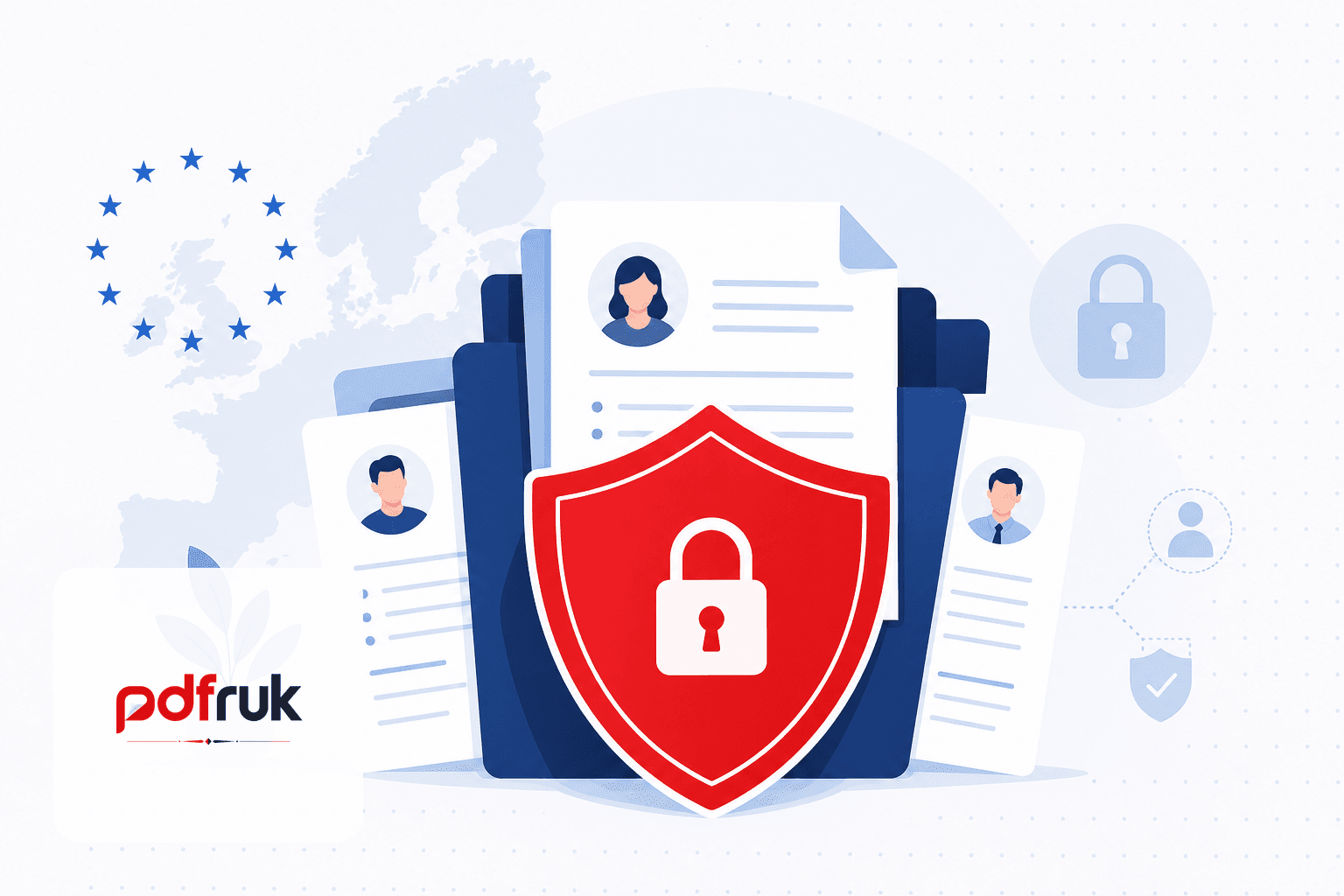
Short answer: HR teams handle some of the most sensitive personal data a company processes — CVs, contracts, medical notes, disciplinary records. Under the UK GDPR and EU GDPR (as of July 2026), the PDF tools you choose matter because every upload to a third-party cloud editor can count as sharing personal data with a processor. Prefer tools that process files locally in the browser, avoid unnecessary uploads, and document what happens to employee documents at each step.
This guide explains what HR and People teams should look for in PDF software, which GDPR principles apply, and how to merge, redact, sign, or protect employee files without creating compliance gaps.
Why PDF tools are a GDPR blind spot in HR
HR workflows are PDF-heavy: offer letters, policy acknowledgements, right-to-work checks, performance reviews, and exit paperwork. When a recruiter merges CVs on a random "free PDF merger" website, that action can trigger data-protection obligations people do not associate with a thirty-second drag-and-drop task.
Under GDPR, personal data is any information relating to an identifiable person. A CV alone usually qualifies. Uploading it to an online tool typically means:
- You are disclosing candidate data to the tool provider (often as a data processor or, worse, an unvetted sub-processor).
- You may need a legal basis and, for processors, appropriate contracts (DPAs) and transfer safeguards if data leaves the UK/EEA.
- You must be able to explain retention — how long the provider keeps files, who can access them, and whether they are used for training or analytics.
The ICO and EU supervisory authorities do not publish a list of "approved PDF tools," but they do expect proportionate security and documented processing. A browser-based tool that never receives the file sidesteps a large class of processor risk for everyday tasks.
GDPR checklist for HR PDF workflows
Use this as a quick filter before rolling out any PDF utility to recruiters, HR business partners, or line managers:
- Data minimisation. Only process the pages or fields you need. Split or redact before sharing externally.
- Purpose limitation. Do not reuse candidate exports for unrelated marketing or analytics.
- Storage limitation. Delete local downloads and browser caches on shared machines after the task.
- Integrity and confidentiality. Prefer encryption in transit (HTTPS) and at rest where files must be stored. Password-protect sensitive packs when emailing is unavoidable.
- Processor due diligence. For any tool that uploads files, obtain a DPA, confirm sub-processors, and record the processing in your RoPA (record of processing activities).
- Staff training. "Free online PDF" is not a neutral phrase — it can mean your employee data is now on a server in another jurisdiction.
Upload-based vs browser-based tools
The architectural split matters more than the marketing copy:
- Server-side tools receive the full document. Even with a privacy policy promising deletion, you have shared personal data with a vendor. That is not automatically unlawful — but it must be governed.
- Client-side / browser-based tools process PDFs in memory on the user's device. For merge, split, edit, sign, watermark, protect, and unlock, pdfruk does not receive file contents. That aligns well with confidentiality expectations for HR documents without adding a new processor relationship for those tasks.
Common HR tasks and lower-risk approaches
Merging application packs
Combining a CV, cover letter, and certificates is routine. Use a browser-based merge so candidate data never leaves the recruiter's machine. Avoid consumer tools with unclear ownership or aggressive cookie tracking on pages that handle applications.
Splitting and redacting
Before disclosing part of a file to a hiring manager, split out only the relevant pages. Remove referee contact details or salary history when they are not needed for the stage.
Contracts and signatures
Employment contracts often need a signature. Client-side signing keeps the draft contract off a third-party server during preparation. For legally qualified e-signature platforms with audit trails, use your organisation's approved vendor — pdfruk is suited to informal sign-offs and internal drafts, not replacing a certified QES provider where law requires it.
Password-protecting packs for email
When email is the only channel, password-protect disciplinary or medical attachments and share passwords through a separate channel. Encryption runs locally on pdfruk — the password and file are not transmitted to us.
Onboarding forms
Use fill form for standard PDF forms in the browser when employees complete paperwork on trusted devices, not on unattended kiosks.
What to document for your DPO or compliance team
Even with privacy-friendly tools, HR should keep lightweight records:
- Which tools are approved for which data categories (candidates vs employees vs special-category data).
- Whether each tool uploads data or processes locally.
- Retention and deletion steps for downloads and shared links.
- Whether managers may use personal devices or only managed laptops.
pdfruk does not require accounts for core tools, which reduces another GDPR surface area (credential databases linking users to document activity). Read our privacy policy for site analytics and hosting — distinct from PDF file processing.
Red flags when evaluating "HR PDF" vendors
- No clear data-processing agreement for EU/UK customers.
- Vague "we may retain files to improve our service" language.
- Mandatory sign-up that stores document metadata indefinitely.
- Watermarked outputs that embed vendor branding in employee records.
- No security page explaining upload vs local processing.
- AI features that train on uploaded HR documents without explicit consent and contractual guarantees.
Practical policy wording for HR teams
A one-paragraph acceptable-use note in your HR handbook goes a long way: approved tools only; no uploading candidate or employee personal data to unvetted websites; prefer browser-based processing; delete local copies after use; use company-managed e-sign for binding contracts. Point staff to internal guidance rather than leaving them to search "merge PDF free" during a hiring surge.
Frequently asked questions
Is uploading a CV to an online PDF tool a GDPR breach?
Not automatically — but it is a processing activity that must be lawful, documented, and secured. Uploading to an unknown free site without a DPA is a common compliance gap, not a recommended practice.
Are browser-based PDF tools GDPR-compliant by default?
No tool is "GDPR-certified" in isolation. Local processing reduces processor risk for file contents, but you still need appropriate policies, device security, and lawful bases for handling personal data.
Can we use pdfruk for candidate CVs?
Many teams use client-side tools for merge, split, and protect tasks because files stay on the user's device. Your DPO should confirm fit with your policies, especially for special-category data where extra safeguards apply.
What about AI PDF summarisers for HR?
Treat them as high-risk: they typically upload full documents to model providers. pdfruk does not use your PDF content to train AI models. For HR, avoid pasting employee data into unapproved AI tools altogether.